Prompt bank
Ready parametric prompts to generate your model. Change the {variables} — the result changes. Hit «Copy».
Prompt constructor
One master prompt + swappable variables. Understand it once — and generate any shot with the same face.
Master prompt — photo
This is the frame for any shot. ORDER matters: first who (the character), then what she does, what she wears, where, how it's shot — and only at the end the technical part. The model leans more on what comes earlier. Swap the {variables} in braces to get a new shot with the same face; don't touch the fixed part (realism, format, skin).
Element order — why it matters
The model leans more on what comes earlier. Read a prompt as a funnel: from the main thing (who) down to the technical (how it's shot). Character first, camera last.
- 1Who — {CHARACTER} + identity lock — most important: the model anchors on the subject
- 2What she does — {ACTION} — pose and action — the subject's «performance»
- 3Emotion — {MOOD} — facial expression, right after the action
- 4Outfit — {OUTFIT} — the subject's wardrobe
- 5Hair — {HAIR} — part of the look
- 6Where — {LOCATION} — scene and background — the context
- 7How it's shot — {SHOT} — shot size, angle, composition
- 8Light — {LIGHTING} — the scene's lighting
- 9Technical — format, camera, skin, optics — realism goes at the end
- 10Negatives — what to avoid — anti-artifact anchors, the very tail
Fixed elements — «quality locks»
These never change. They kill the typical «AI look» — plastic skin, dead eyes, artifacts.
- visible pores, fine texture — fixes: a «waxy» face
- slight imperfections, peach fuzz — fixes: doll-like perfection
- subsurface scattering — fixes: «rubber» skin
- matte with a T-zone sheen — fixes: uniform plastic gloss
- no retouch, beauty filter, CGI skin — fixes: AI over-smoothing
- shot on iPhone 16 Pro Max, lively feel — fixes: a «staged» studio look
- shallow depth of field, natural bokeh — fixes: a flat «drawn» image
- slight sensor grain — fixes: clinical sterility
- natural white balance, no HDR — fixes: oversaturation and «gloss»
- living eyes with catchlights — fixes: a «glassy» dead gaze
- slight natural facial asymmetry — fixes: «fake» perfect symmetry
- hair with stray strands — fixes: a hair «helmet»
- one frame, no collage, frames, text — fixes: collages and cartoon panels
- no extra/distorted fingers — fixes: typical hand artifacts
- vertical 4:5 (photo) — fixes: the wrong aspect: 4:5 for feed photos, 9:16 for reels only
Swappable elements — variables
Change these to get a new shot with the same face. A few values are here; the full lists are in the sections below.
e.g. paste your ready block from the «Character passport» section
e.g. walking the waterline, glancing back at camera · sitting at a table with coffee · fixing her hair at a mirror · glancing over the shoulder
e.g. carefree joy, a warm smile · calm confidence · playful flirt · dreamy tenderness
e.g. a light summer dress · jeans and a top · an athletic set · an evening dress · a cozy sweater
e.g. long soft waves · high ponytail · sleek low bun · tousled messy styling · wet-look styling
e.g. a sandy beach at sunset · a cozy café · a modern gym · a neon night street · a bright bedroom in the morning
e.g. full body shot · medium shot · close-up portrait · front 3/4 (F34) · over-the-shoulder
e.g. warm backlit sunset · soft daylight from a window · neon (magenta + cyan) · soft candlelight
Ready examples: prompt → photo
The swapped values are highlighted — see exactly what changed. Hit «Copy» to grab the full assembled prompt.
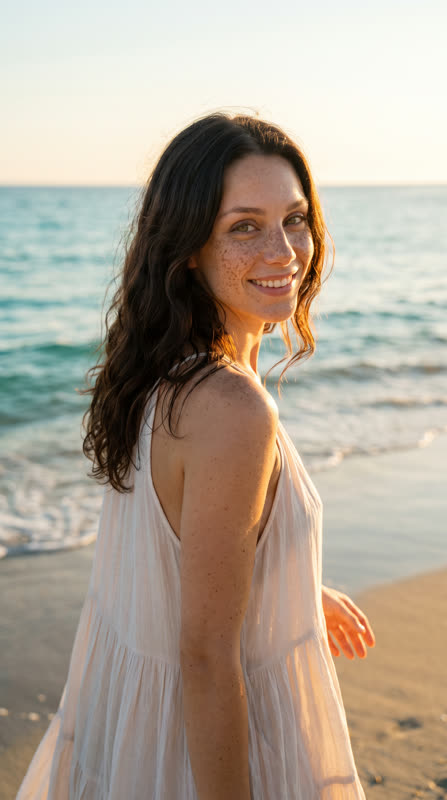
Beach at sunset
- CHARACTER
- your character passport
- ACTION
- walking the waterline, glancing back at camera
- MOOD
- carefree joy, a warm smile
- OUTFIT
- a light summer dress
- HAIR
- long soft waves
- LOCATION
- a sandy beach at sunset, turquoise sea, golden sun
- SHOT
- full body, front 3/4
- LIGHTING
- warm backlit sunset
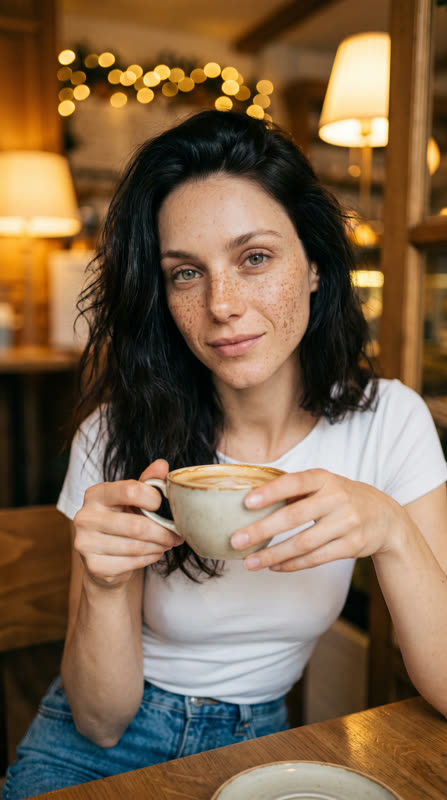
Cozy café
- CHARACTER
- your character passport
- ACTION
- sitting at a table with a coffee cup, looking at camera
- MOOD
- soft dreamy tenderness
- OUTFIT
- jeans and a white top
- HAIR
- tousled messy styling
- LOCATION
- a cozy café, warm blurred lights behind
- SHOT
- medium shot, waist-up
- LIGHTING
- warm soft lamp light
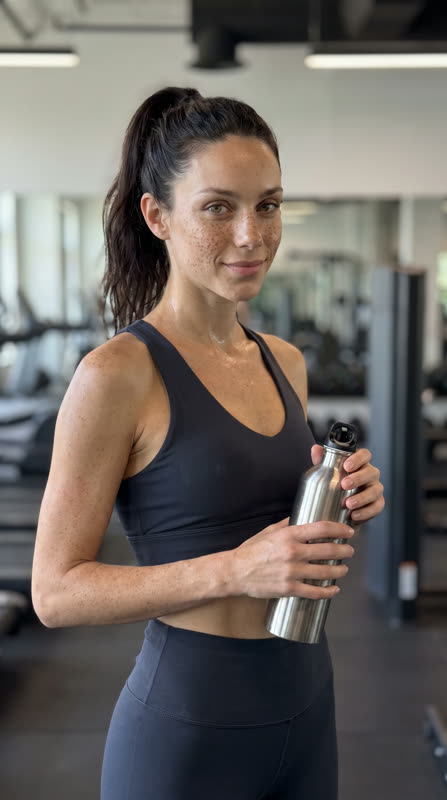
Gym
- CHARACTER
- your character passport
- ACTION
- a pause between sets, a water bottle, a light smile
- MOOD
- energy and health
- OUTFIT
- a stylish athletic set
- HAIR
- high ponytail
- LOCATION
- a modern gym, soft blurred equipment background
- SHOT
- full body shot
- LIGHTING
- clean even daylight
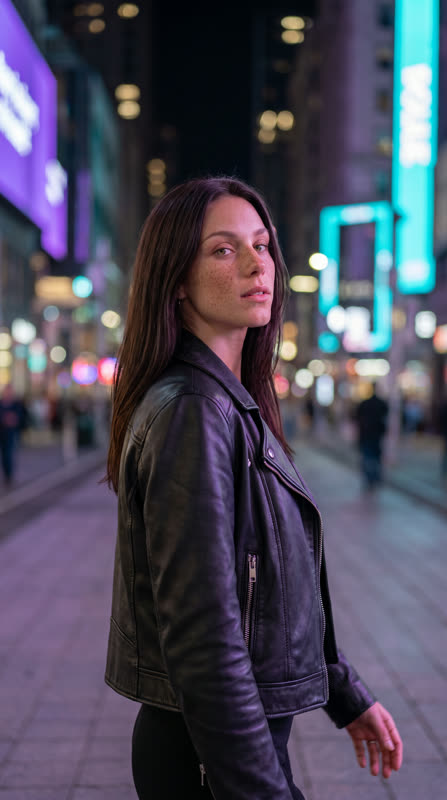
Night street / neon
- CHARACTER
- your character passport
- ACTION
- walking the street, glancing over the shoulder
- MOOD
- confidence, evening drive
- OUTFIT
- a leather jacket and a black top
- HAIR
- sleek styling
- LOCATION
- a night city, neon signs, soft light bokeh
- SHOT
- full body, slight low angle
- LIGHTING
- neon (magenta + cyan), cinematic contrast
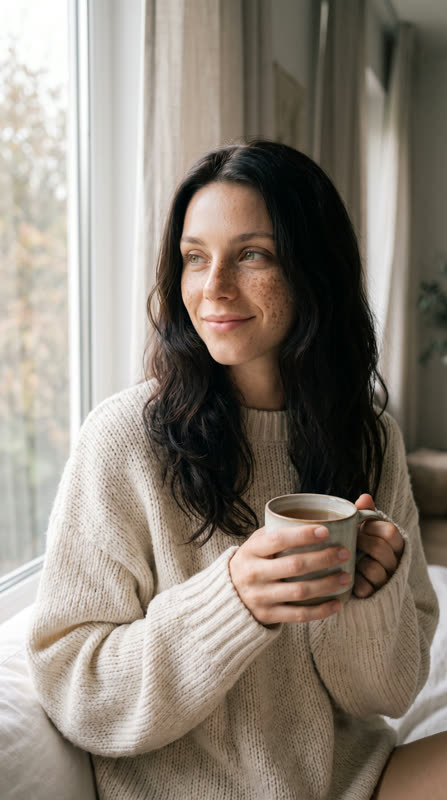
Bedroom morning
- CHARACTER
- your character passport
- ACTION
- sitting by the window with a cup of tea, a calm gaze
- MOOD
- calm, homey tenderness
- OUTFIT
- a cozy knit sweater
- HAIR
- loose soft waves
- LOCATION
- a bright bedroom, soft morning window light
- SHOT
- close-up portrait
- LIGHTING
- soft diffused morning light
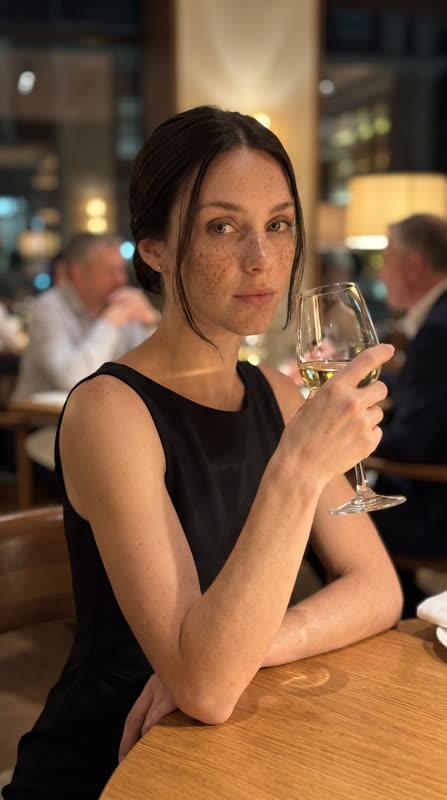
Restaurant at night
- CHARACTER
- your character passport
- ACTION
- sitting at a table, a glass of white wine, a confident gaze at camera
- MOOD
- calm confidence, status
- OUTFIT
- an elegant black dress
- HAIR
- a sleek low bun
- LOCATION
- an upscale restaurant at night, warm lamp light, blurred interior behind
- SHOT
- medium shot, front 3/4
- LIGHTING
- warm ambient, soft highlights
Master prompt — video (image → video)
Animate a finished photo into video. Same idea: a fixed frame + swappable {variables}. Feed the frame as a reference — the face won't drift.
{MOTION} — light hair sway, an eyelash blink, a half-smile · {CAMERA} — slow push-in, orbit, micro-motion · {DURATION} — 5 seconds. Ready presets are in the «Video prompts» section below.
Ready prompts & values
Everything you plug into the constructor: ready scenes, hairstyles & outfits, emotions, shot codes, video prompts and more.
A phone-shot frame: iPhone, daylight, an everyday place, slight imperfection, the character actually doing something. This is how the model's main feed is shot. The mode describes the shooting style only: what may be posted to public accounts is decided by platform rules, not by this switch.
Character passport
Fill once — then paste this block as {CHARACTER} into every prompt. This is the core of consistency: the same face across all content.
Passport template (fill in)
Freeboth modesReplace the bracketed values for your model. Save the result — that's your {CHARACTER}.
Filled passport example
both modesA ready example character — use it as a base and tweak details.
Reference sheets (consistency)
Upload the model's best photo as a reference and generate a «character map». You'll reuse these sheets as the main reference in every scene.
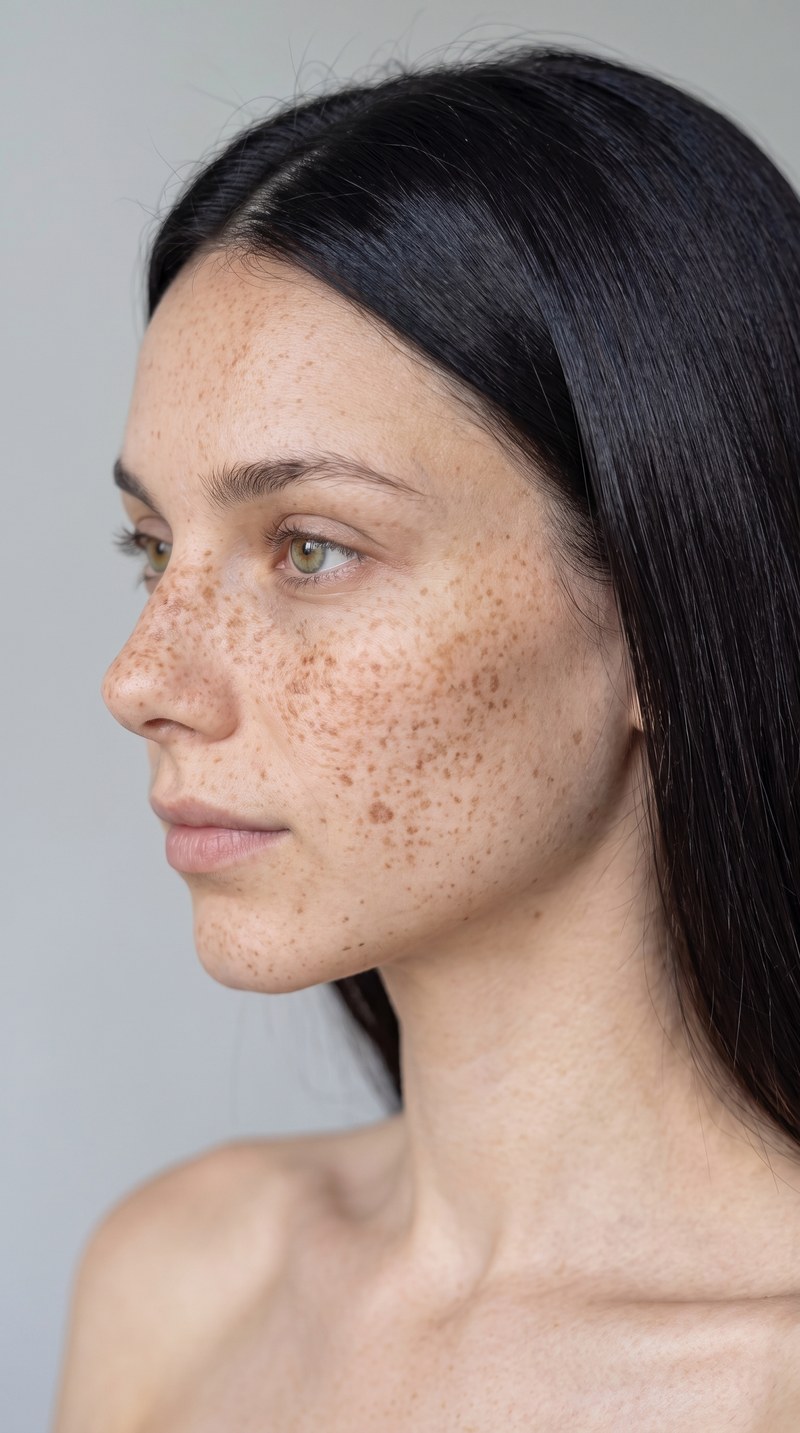
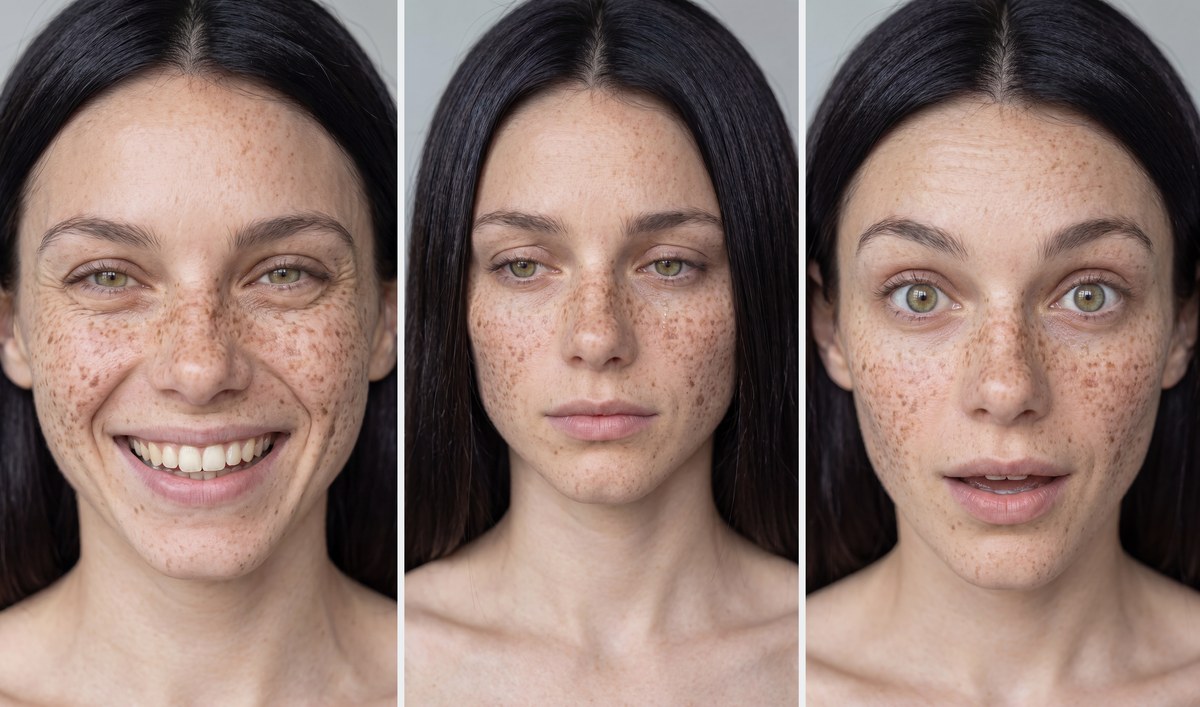
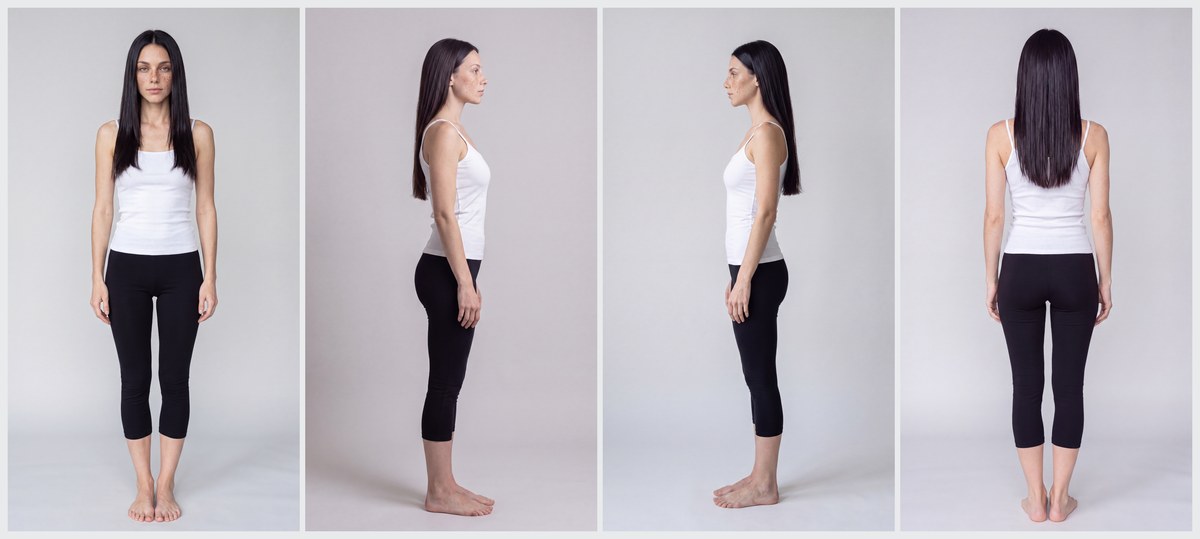
On the left — a single reference portrait of our model. The sheets and shots on the right were generated from it with the prompts in this section using Nano Banana Pro (including a smiling shot and a full-body one). These references then work in every scene — that's what keeps the face consistent.
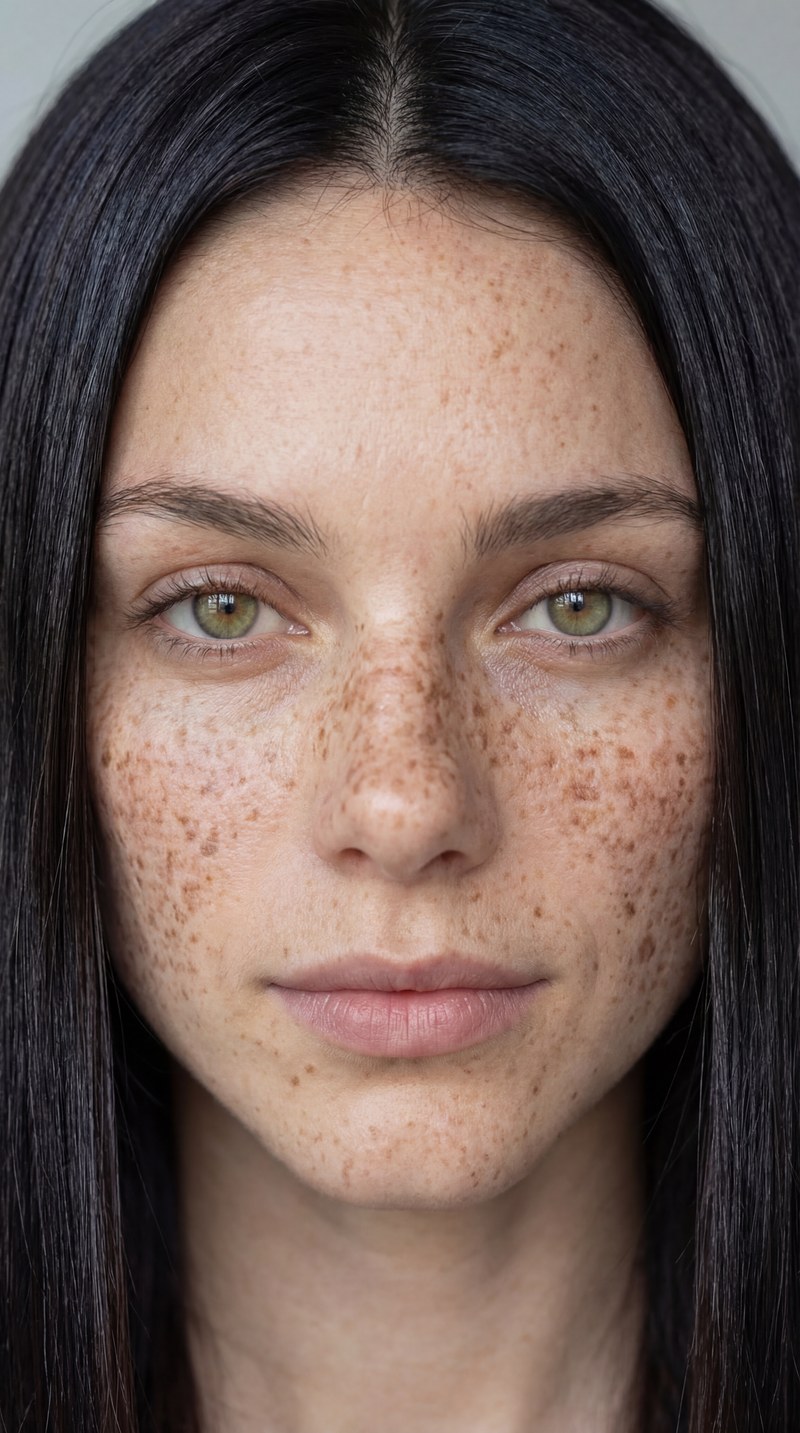
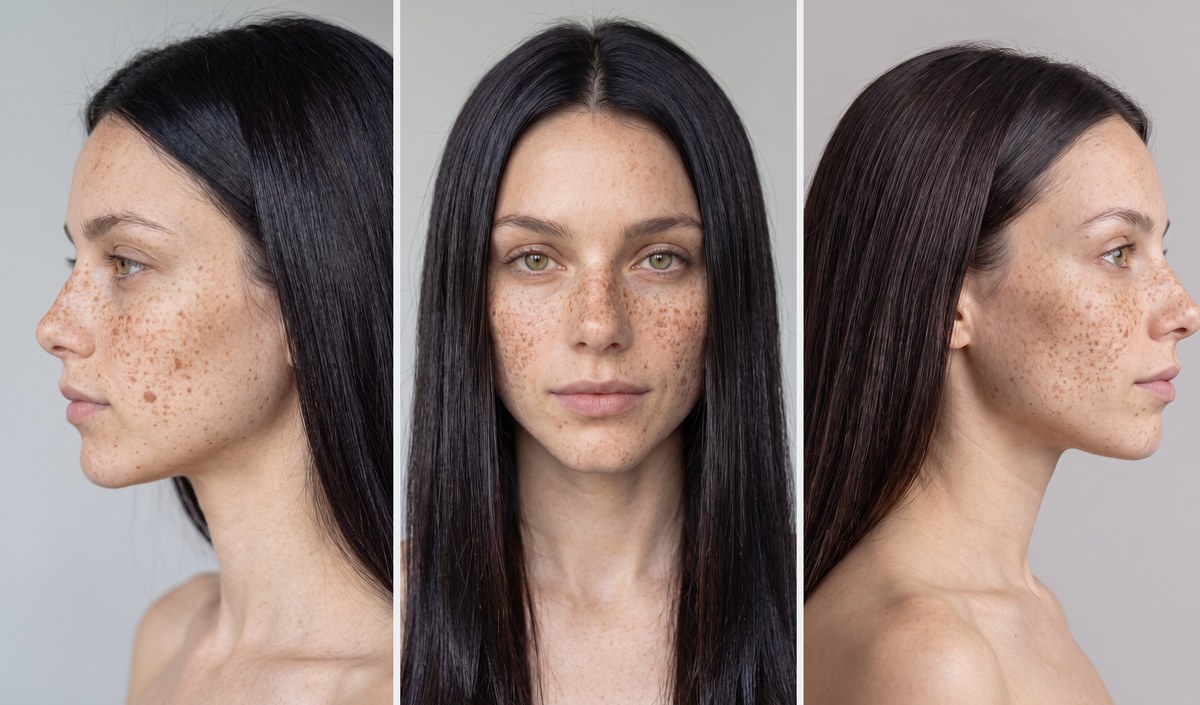
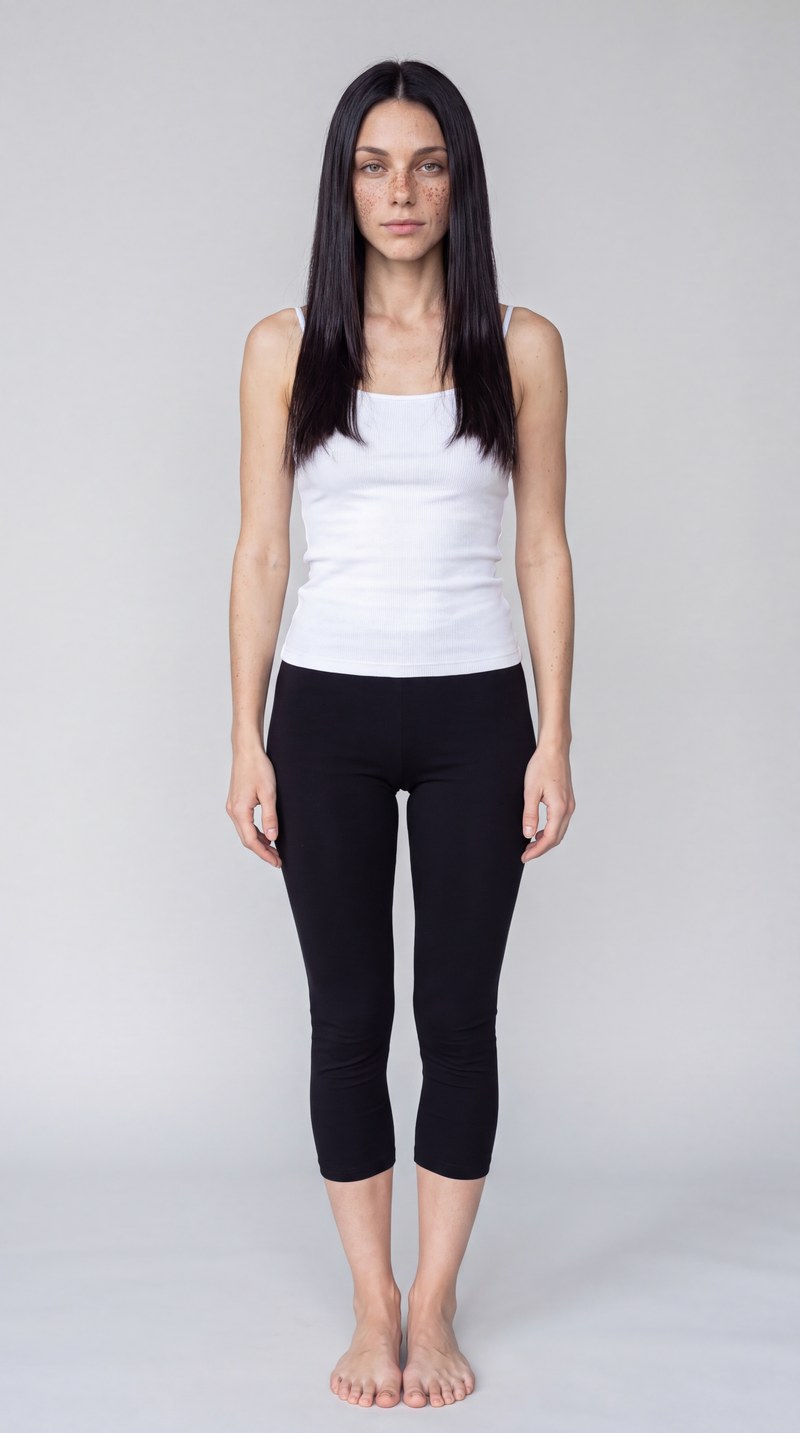
Face sheet (front + profiles)
Freeboth modesFull-body turnaround
both modesShot codes (shots & angles)
Drop one code into the {SHOT} variable in any scene prompt. It sets the camera, lens and distance.
Framing, angle and composition amplify the shot. Take the English phrase from a card and drop it into {SHOT} — that's enough to steer the camera.
Shot sizes
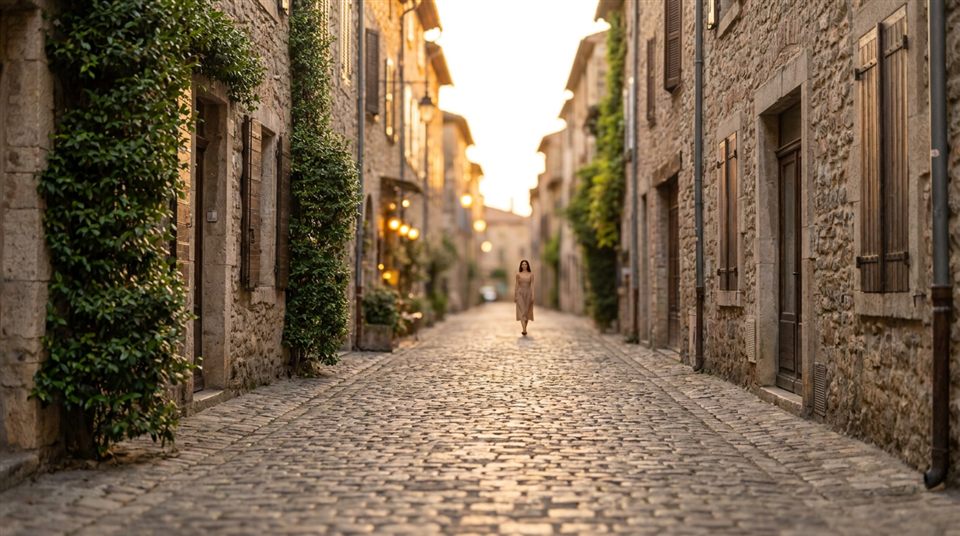
Location and context, the subject barely visible. Opens a scene.
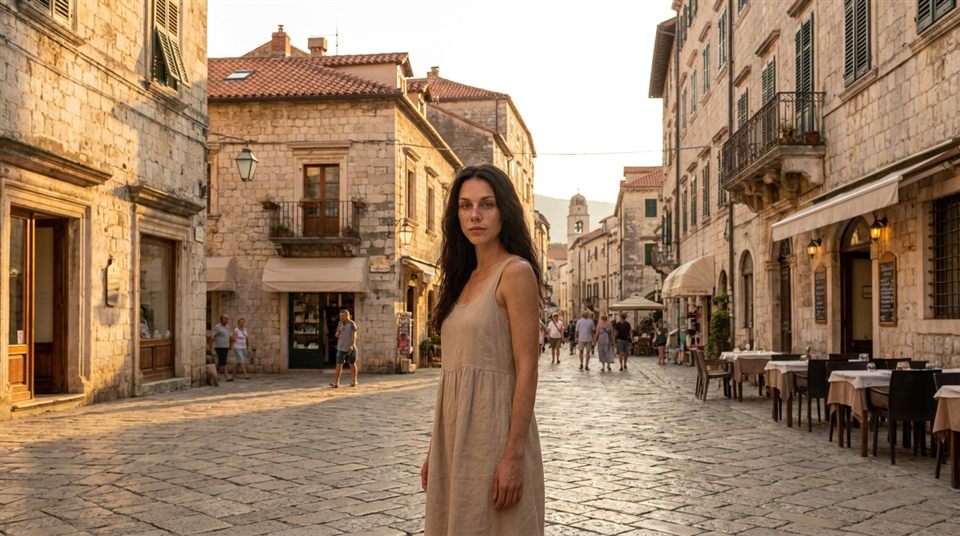
The person and the whole space. Sets the scale.
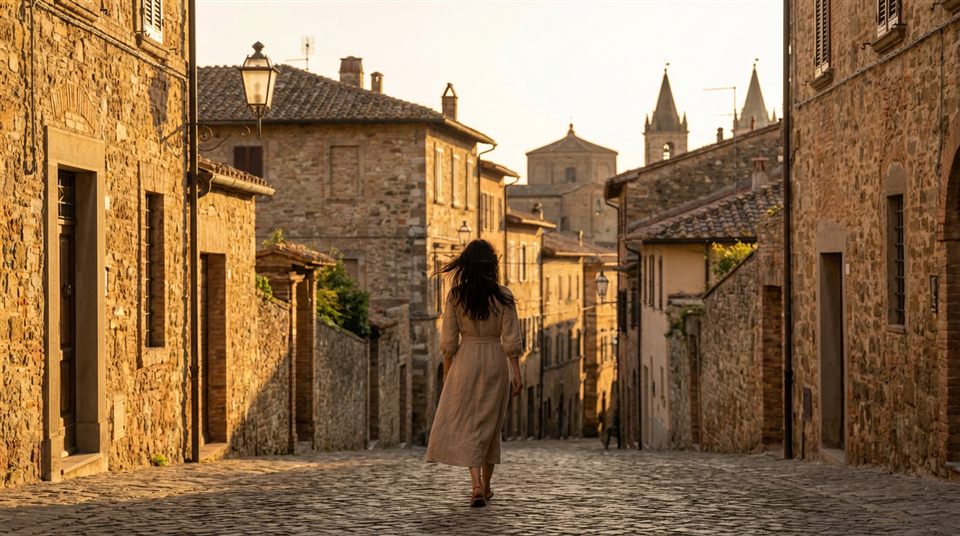
Subject far away; atmosphere first.
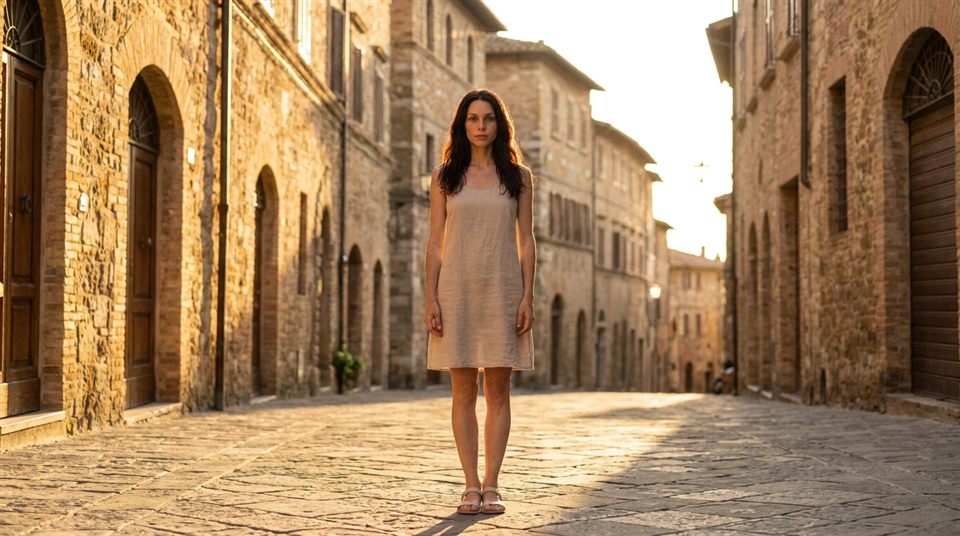
Head-to-toe. Pose and body language.
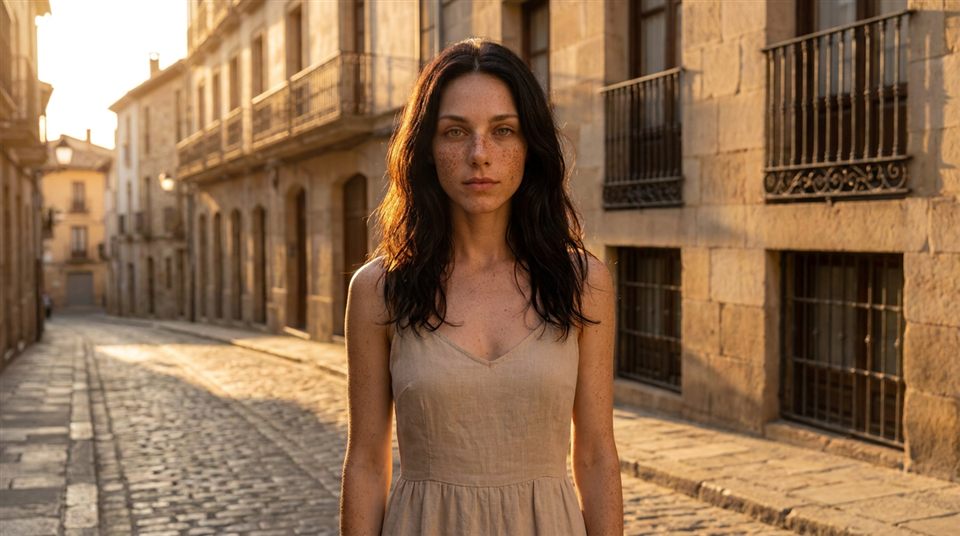
Mid-thigh framing. Balances emotion and gesture.
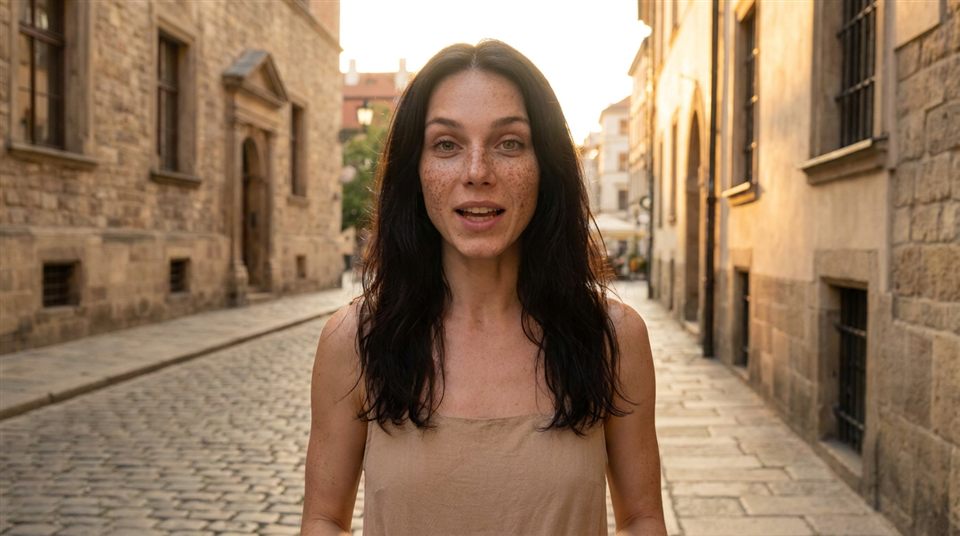
Waist-up. Best for talking scenes.
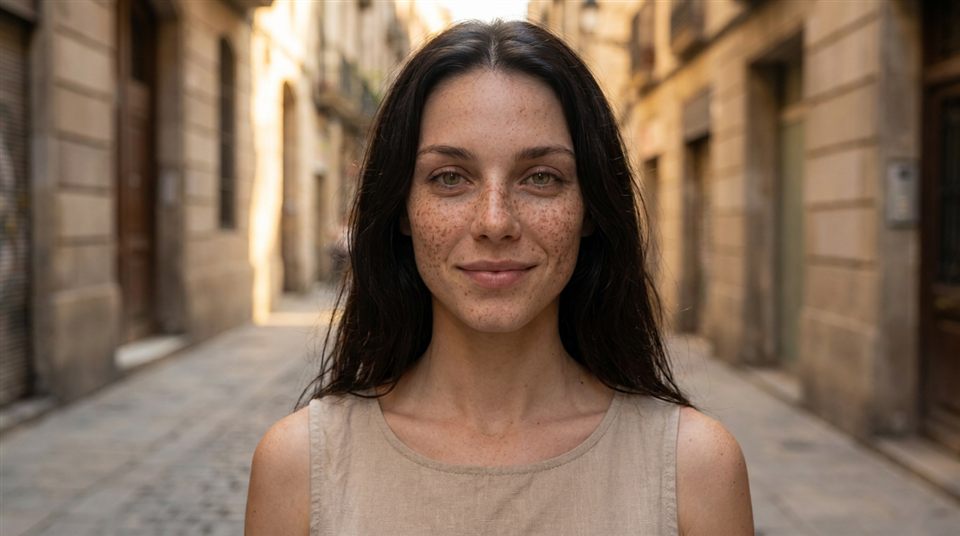
Chest-up. Face and expression in focus.
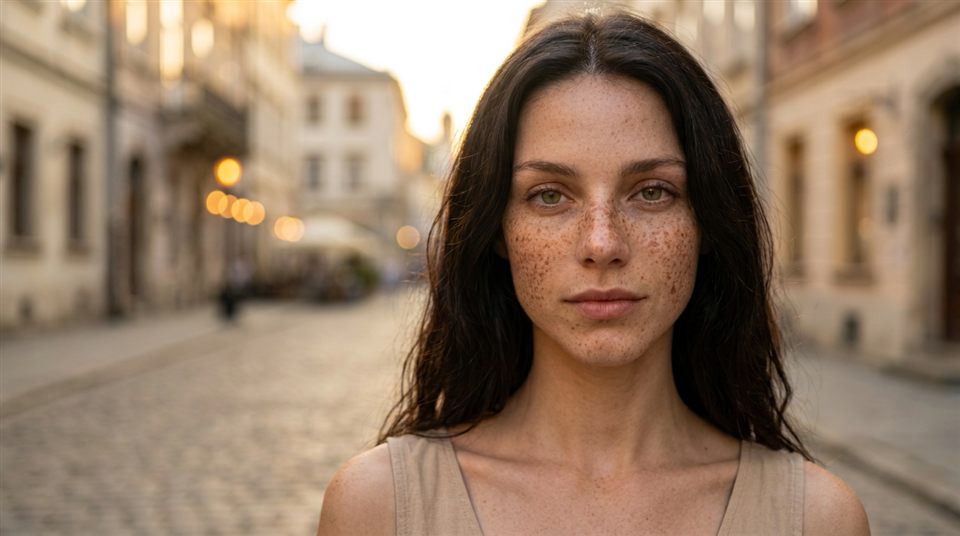
Shoulders-up. All attention on the face.
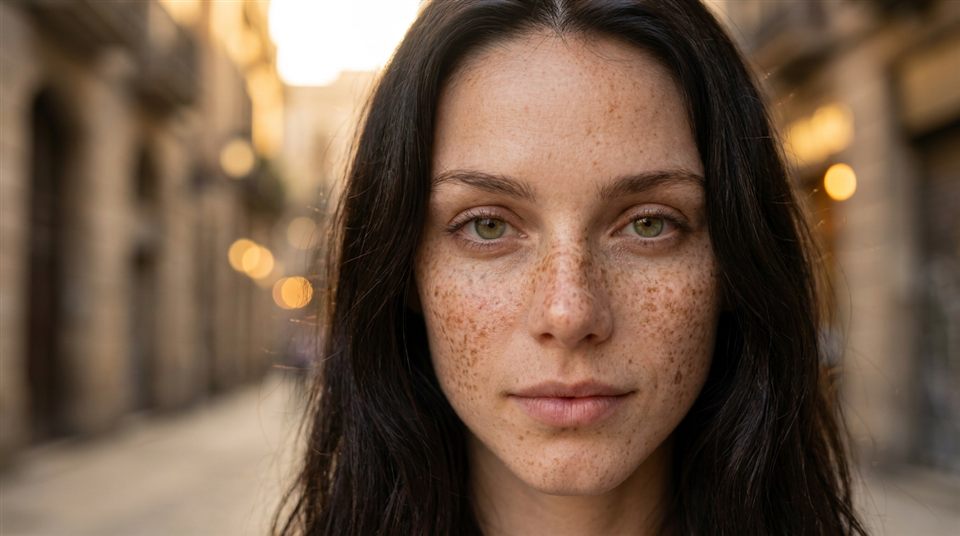
The face fills the frame. Amplifies emotion.
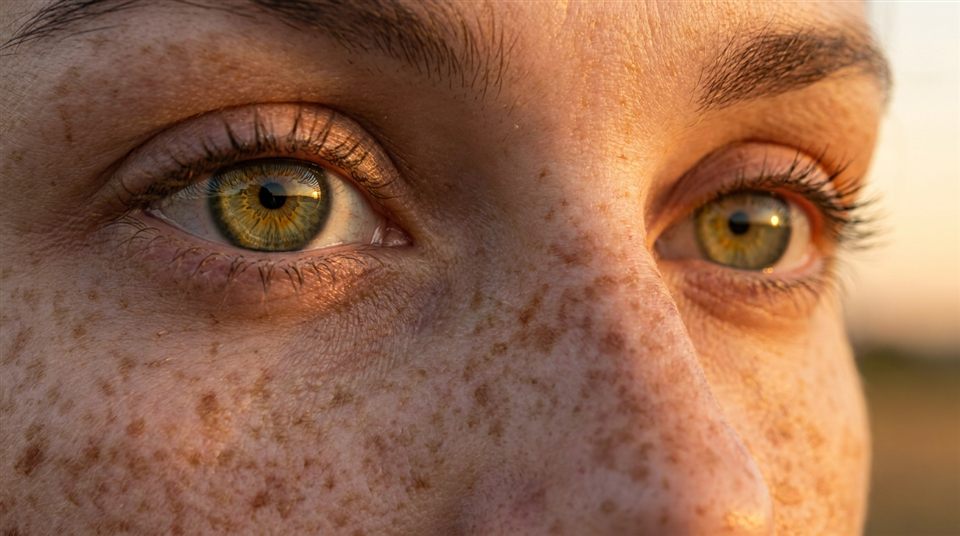
Very tight: eyes, lips. Nuance and tension.
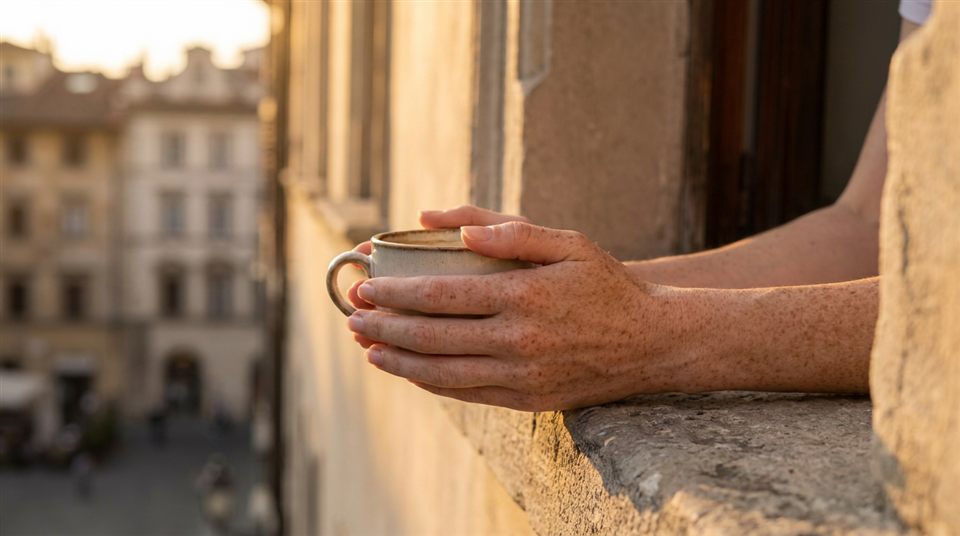
A fragment: hands, an object. Accent and editing rhythm.
Angles & composition
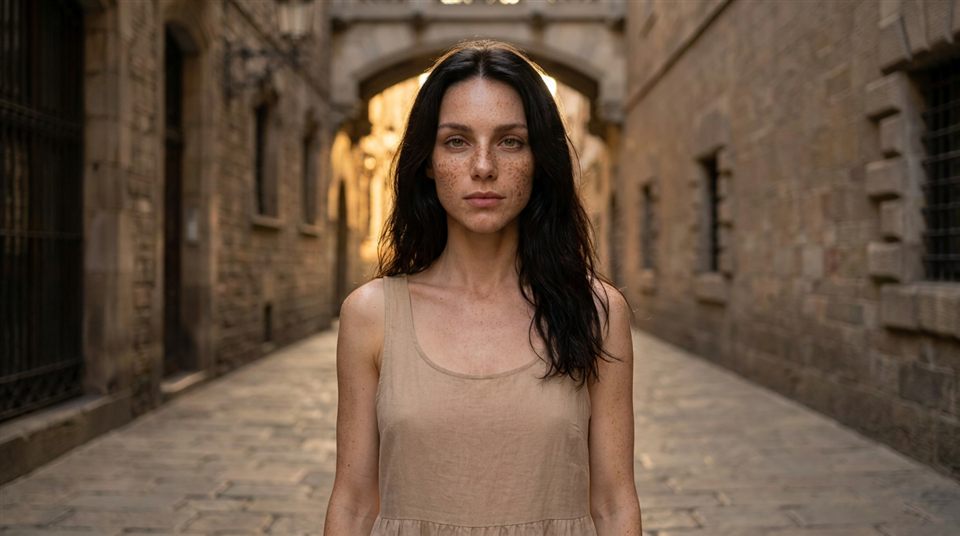
Neutral and natural — the default.
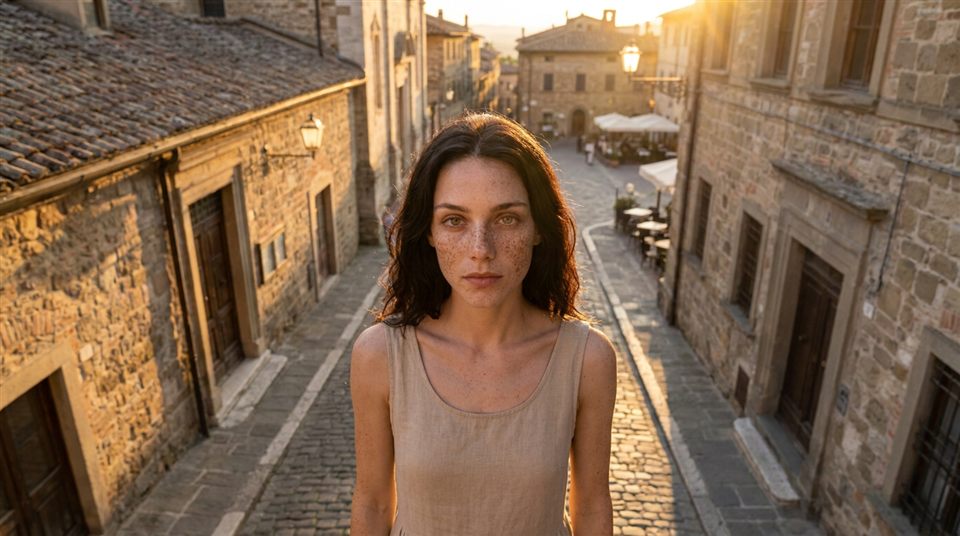
Camera above. Softer, more vulnerable subject.
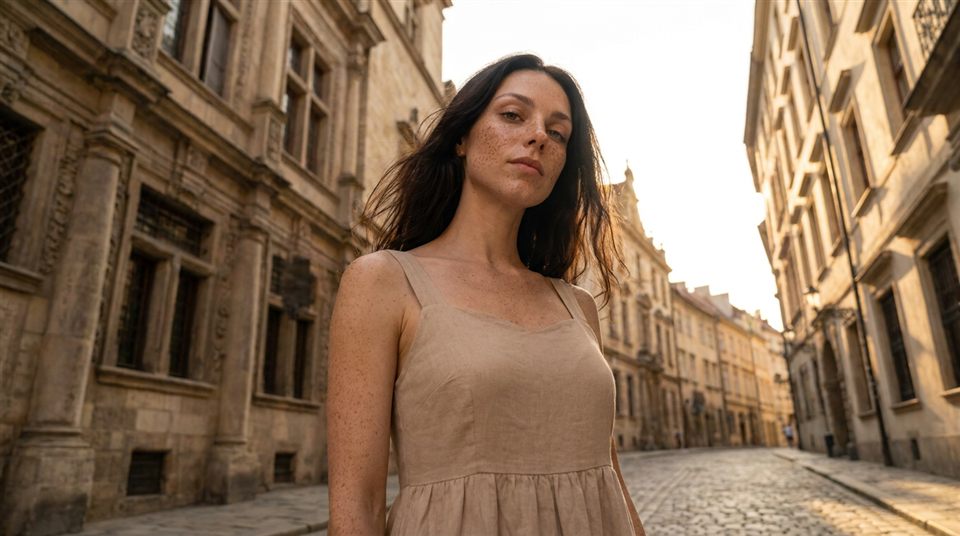
Camera below. Adds power and confidence.
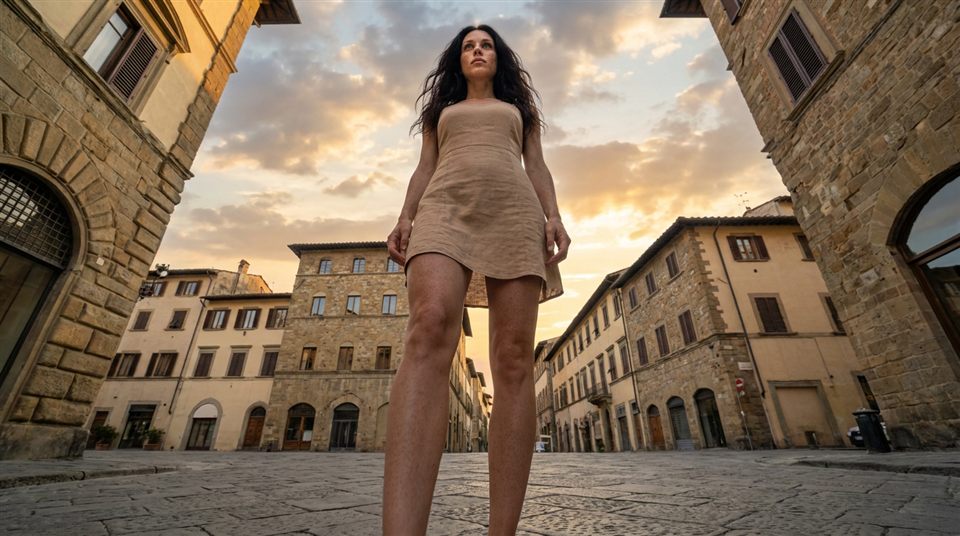
Camera at the ground. Epic, heroic look.
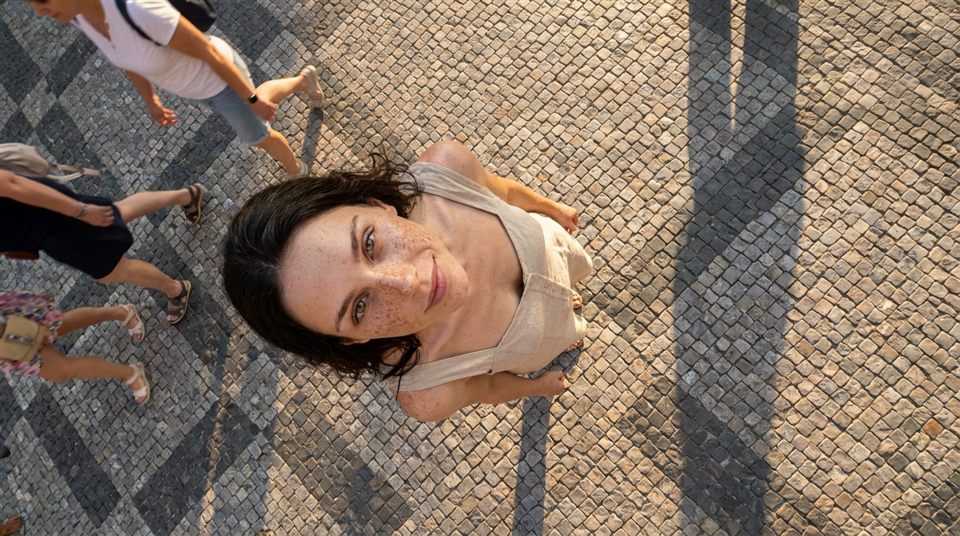
Straight down. Graphic, shows the whole scene.
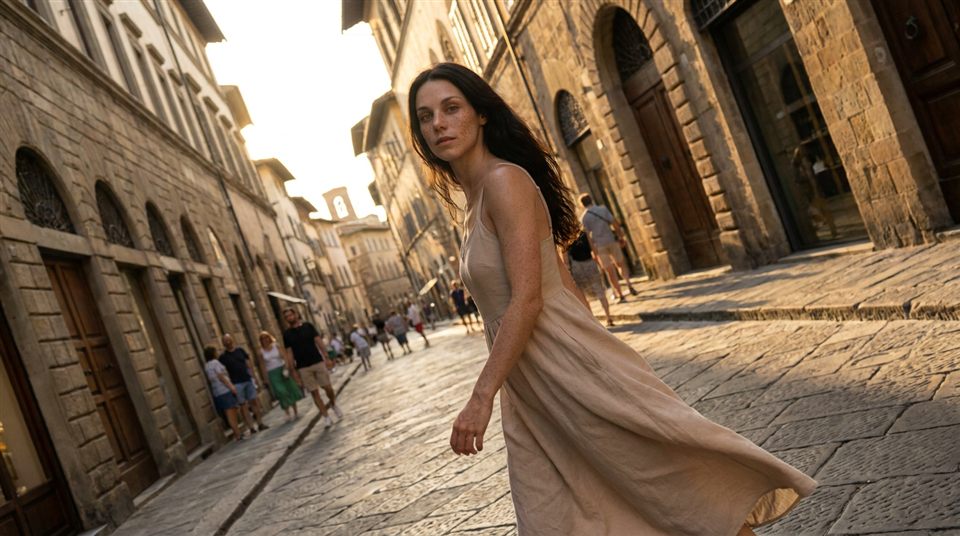
Tilted camera. Energy, drama, unease.
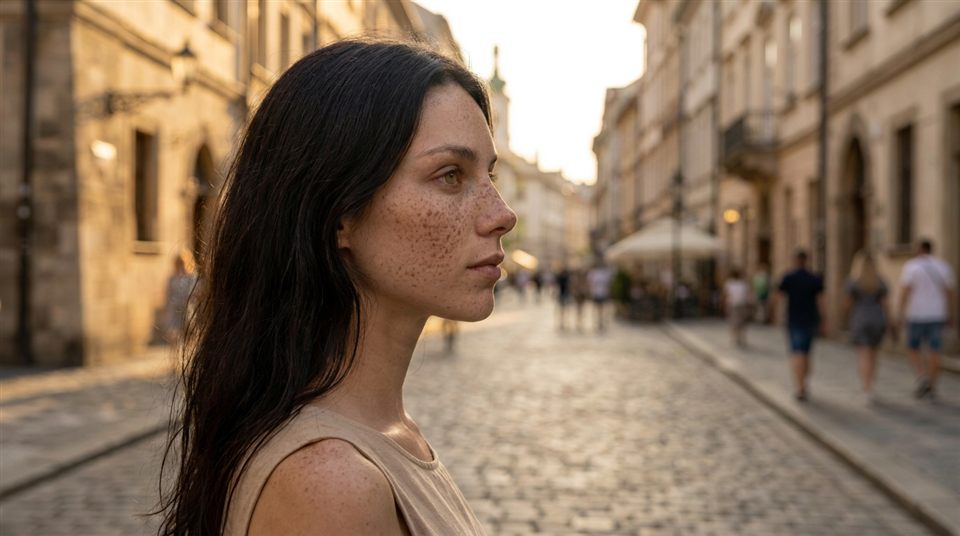
From the side. Shape, depth, contemplation.
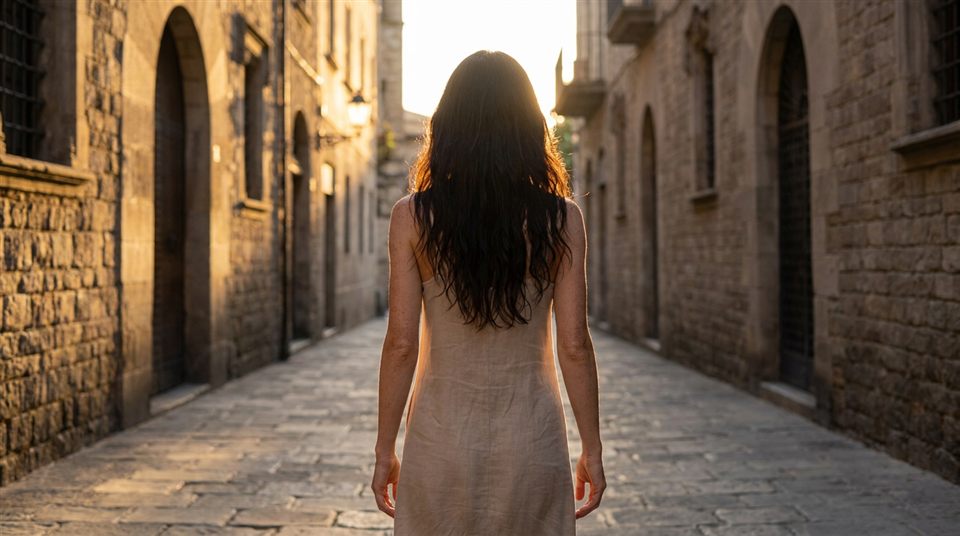
Subject from behind. Mystery, «follow me» pull.
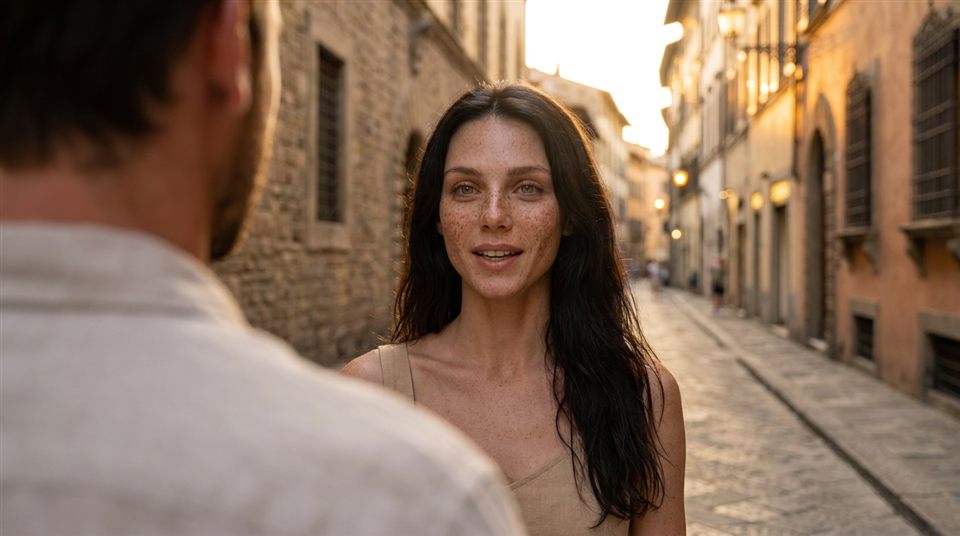
Over a shoulder. Presence and dialogue feel.
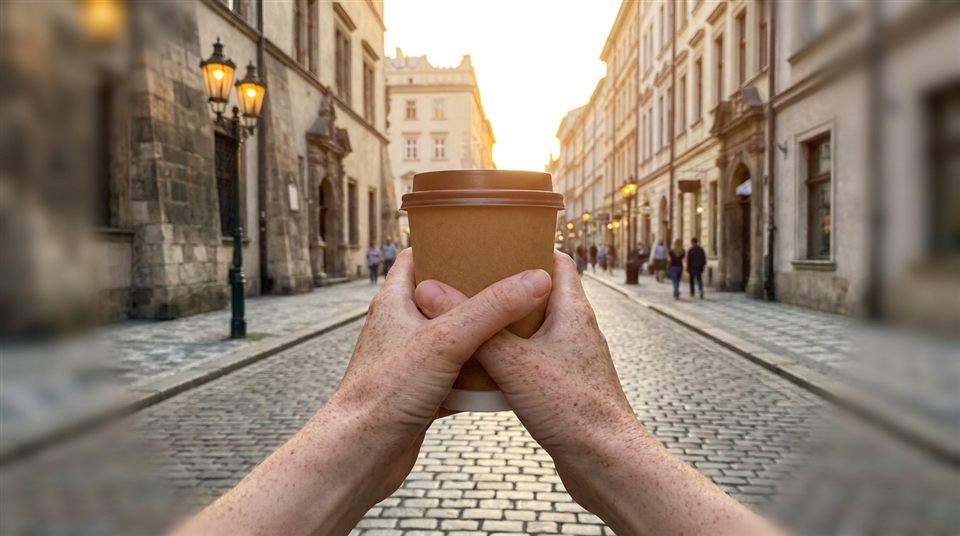
Through the character's eyes. Maximum immersion.
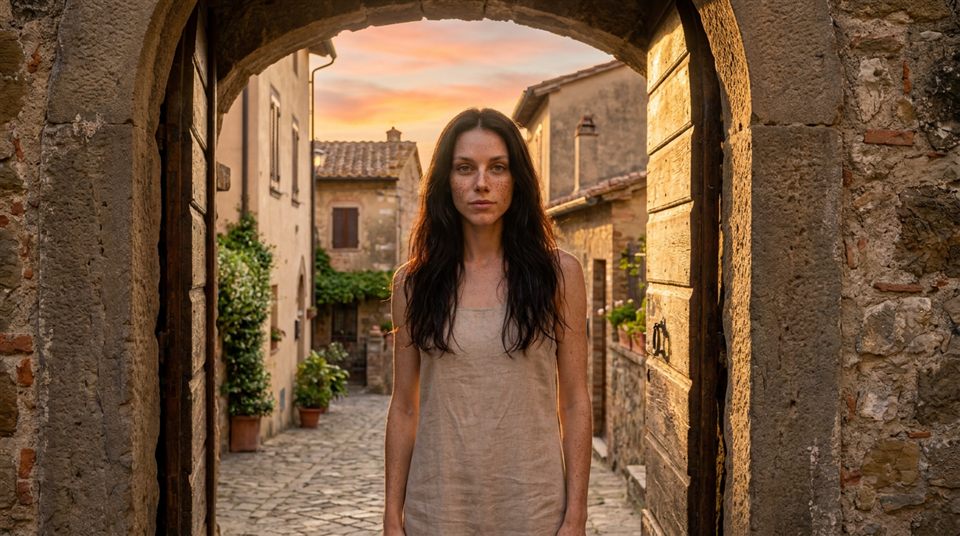
Framed by a door, arch, window. Focuses the eye.
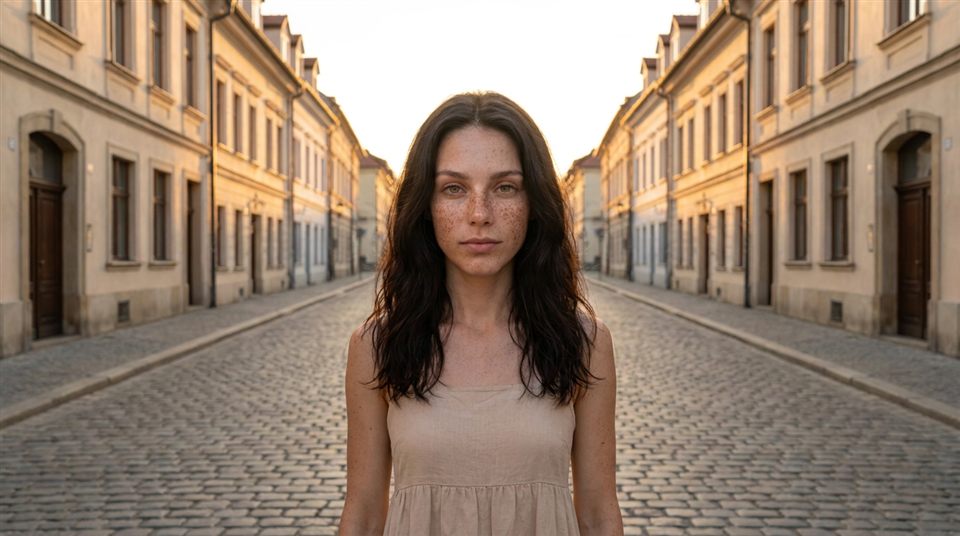
Balanced frame, centered subject. Order and style.
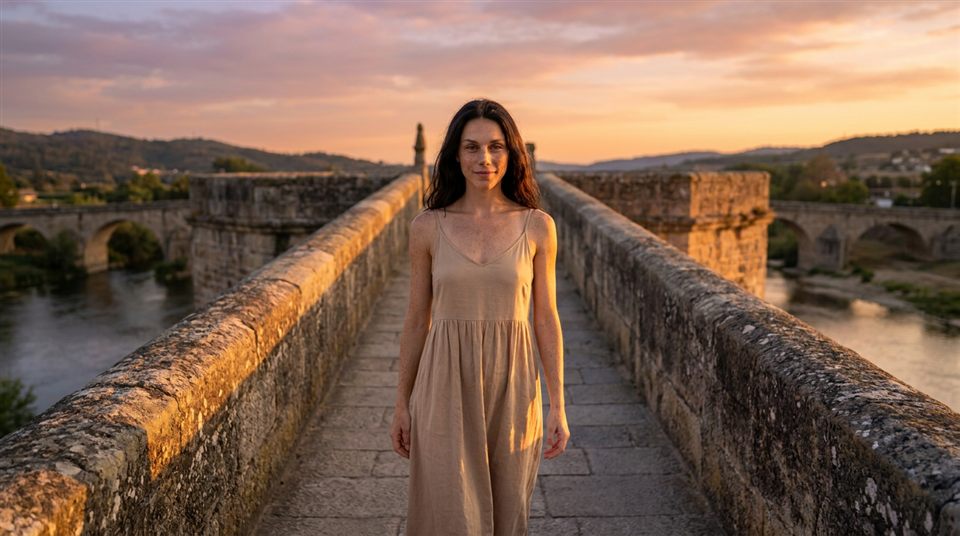
Street, bridge, rail lines guide the eye to the subject.
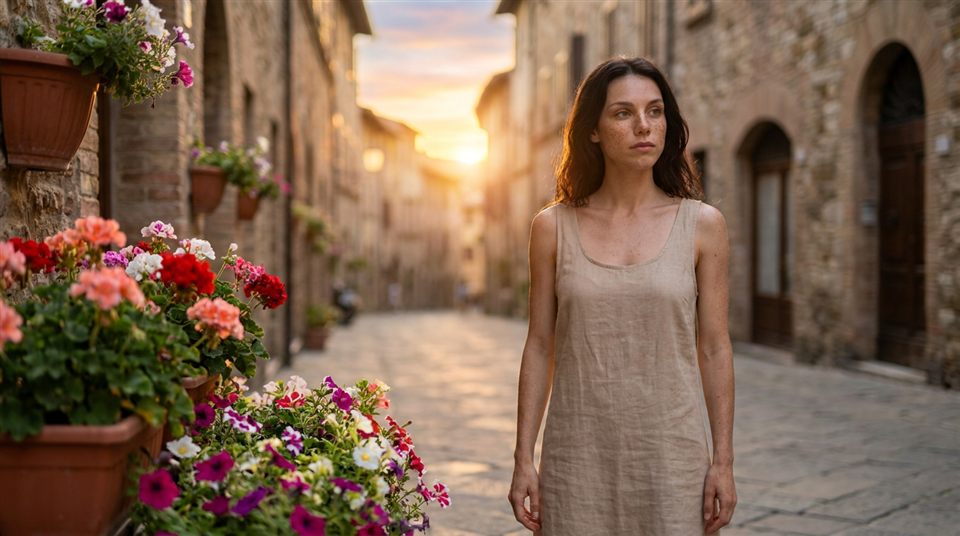
Fore-, mid- and background create depth.
Course quick codes
both modesShort codes used across the bank prompts. For every other shot and angle (profile, close-up, full body, etc.) use the phrases from the cheatsheet above.
Scenes & locations
A master template + ready scenes. Paste your {CHARACTER} everywhere; where {OUTFIT} is present, set the outfit. In ready scenes the shot, light and mood are pre-set — tweak them with plain text (shot phrases are in the cheatsheet). The full variable set lives in the master template.
Scene master template
MainFreecandidThe base for any scene. Fill the variables to get a frame.
Cozy café
FreecandidPremium restaurant
editorialNight street / neon
editorialGym / fitness
candidBedroom by the window
candidIn the car (lifestyle)
candidHairstyles & outfits
Ready values for {HAIR} and {OUTFIT} in the master template. In a ready scene just add a «Hair: …» line or fill {OUTFIT}. Change one parameter — the look changes, the face stays the same.
Values for {HAIR}
both modesValues for {OUTFIT}
both modesEmotions
Add one line to the prompt (in {MOOD} or separately) to bring the face alive. One face, different emotions make the character feel real.
Emotion set
both modesUtilities & touch-ups
Short prompts to fix existing images: detailing, skin, background, outfit.
Face detailing (upscale)
both modesRealistic skin
both modesBackground swap
both modesOutfit change
both modesSingle frame (no collage)
both modesVideo prompts (image-to-video)
Animate a finished photo for Reels. Upload the frame + one motion prompt. Same face (same reference).
Camera push-in
candidCamera orbit
editorialMicro-motion (idle)
candidHooks (the opening frame)
Ready opening frames built on the attention triggers from the hook lesson. Flow: generate the frame with a face reference → animate with the video prompt (motion is in the card) → add a text hook and sound. Vertical 4:5 throughout.
~20 triggers across four families. Stack rule: combine 2–3 compatible triggers per frame (one Base + 1–2 Amplifiers); more than three is mush. Your model gets «Attraction» and «Face/gaze» for free — add a third.
Biological (fire before thought)
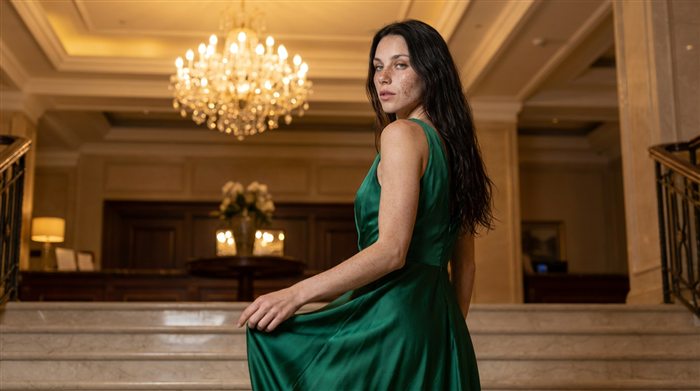
Beauty pulls the eye automatically. Built into the model.
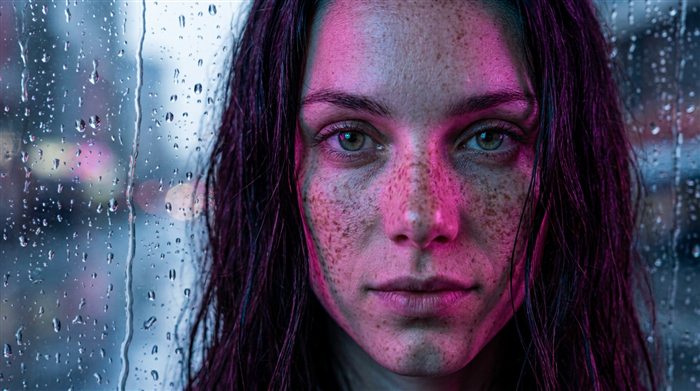
A direct look reads as personal address.
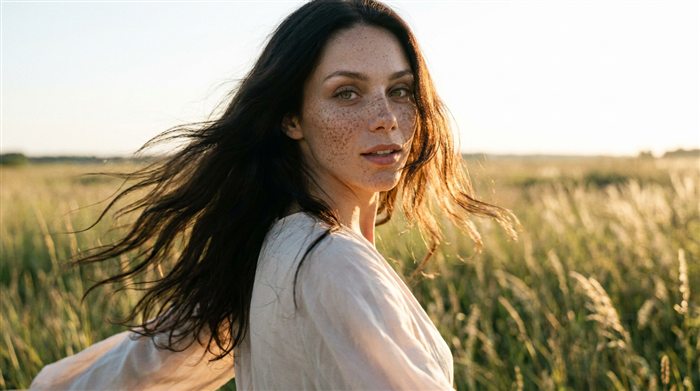
A sudden move at the lens triggers the orienting reflex.
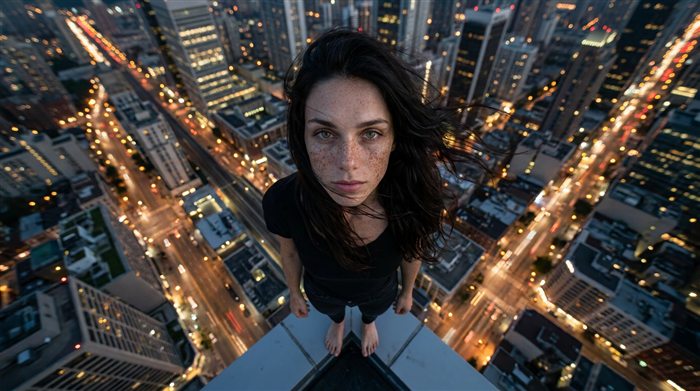
Risk, edge, height: survival can't ignore it.
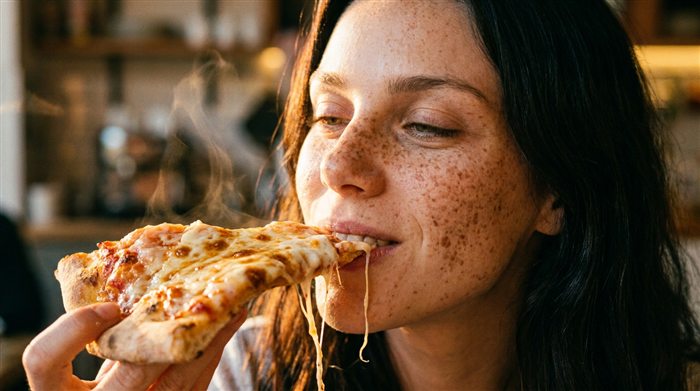
An appetizing macro shot hits instinct.
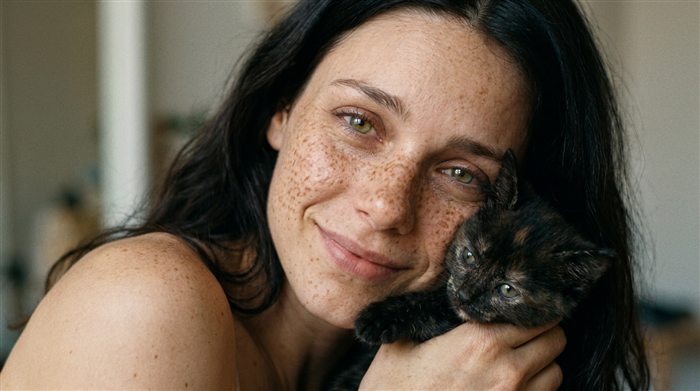
«Baby schema»: big eyes, vulnerability — the care instinct.
Cognitive (hold via interest)
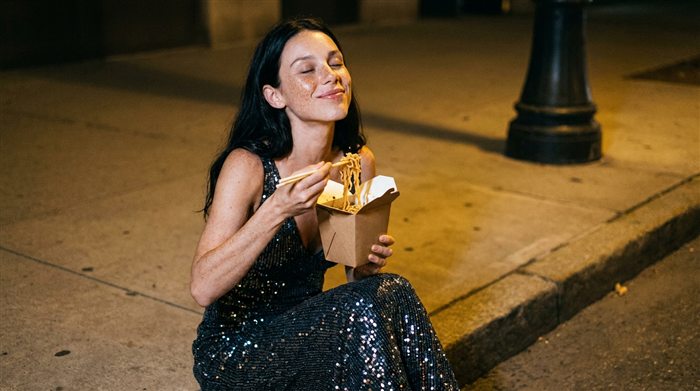
Routine + one anomaly breaks the brain's autopilot.
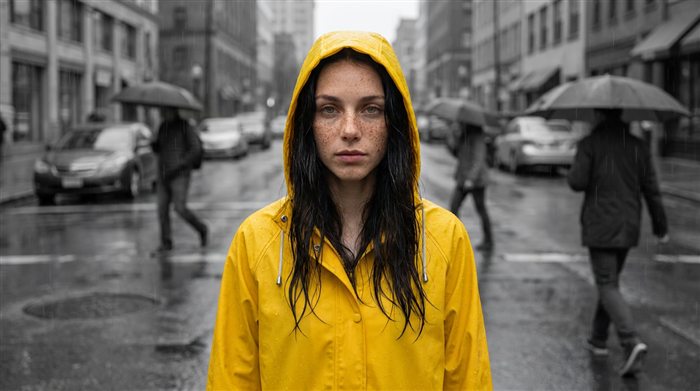
One bright figure on grey — the eye flies to it.
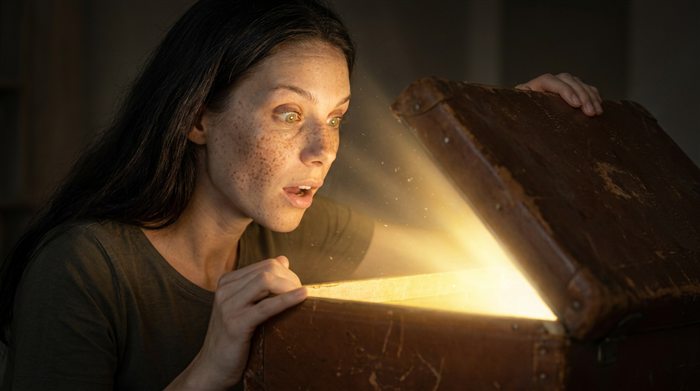
A hint shown, the point hidden: the info gap pulls.
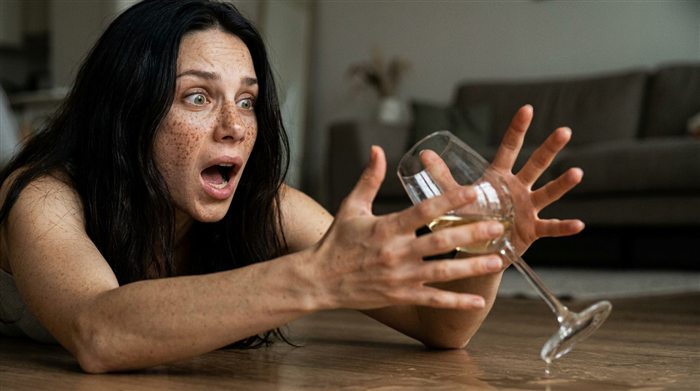
Cut at the peak — finished is forgotten (Zeigarnik).
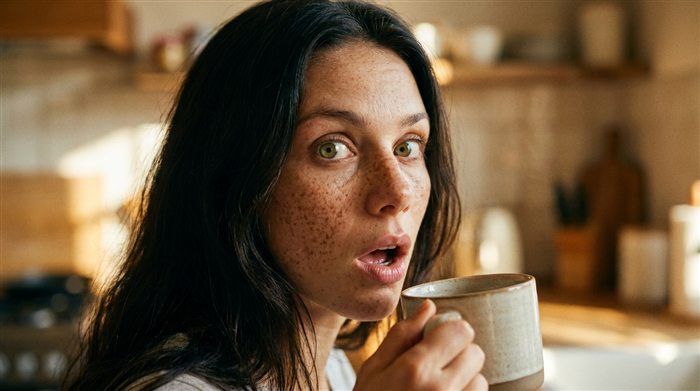
A sharp event in a calm scene. Measured, not overdone.
Social (we watch others)
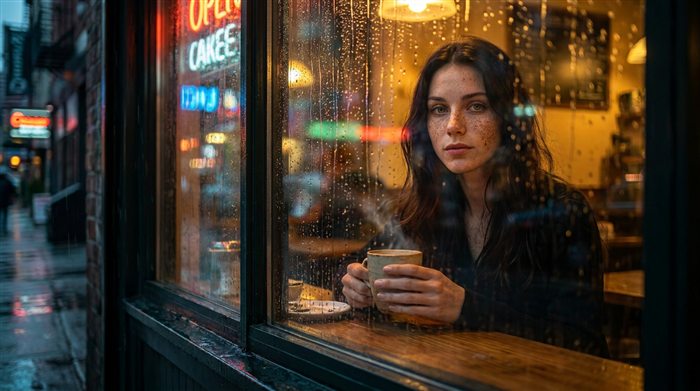
A «peeked at» frame + fourth-wall break.
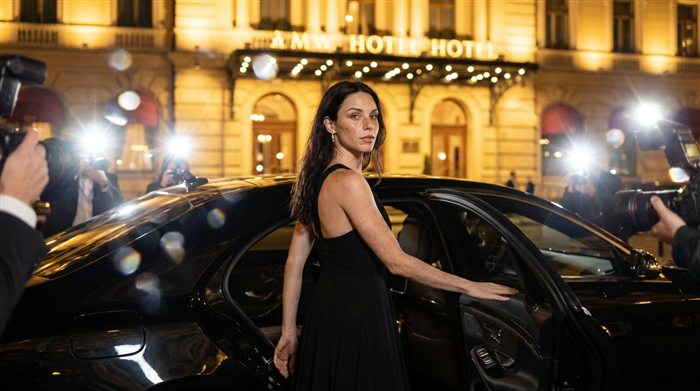
Luxury as a resource signal — the eye sticks.
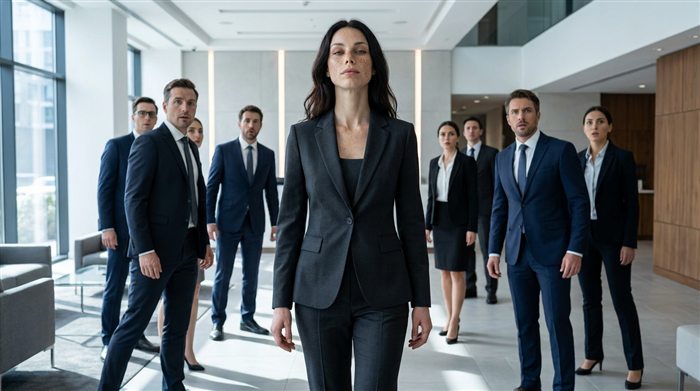
«Everyone froze when she walked in»: the room reacts.
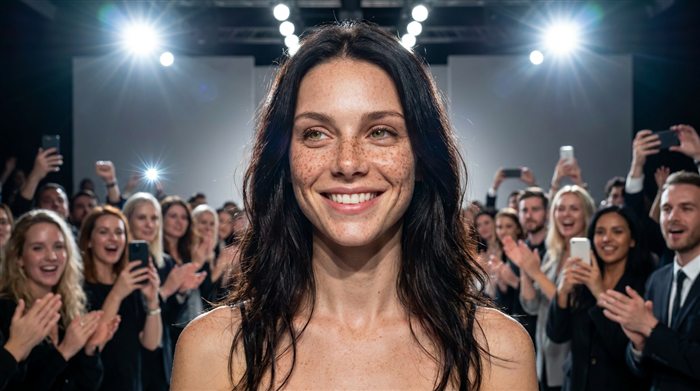
A crowd looks at her — so I must look too.
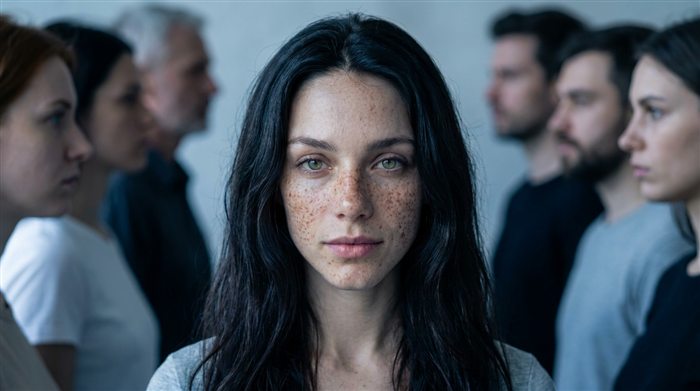
Two contrasting groups face off: tribal logic.
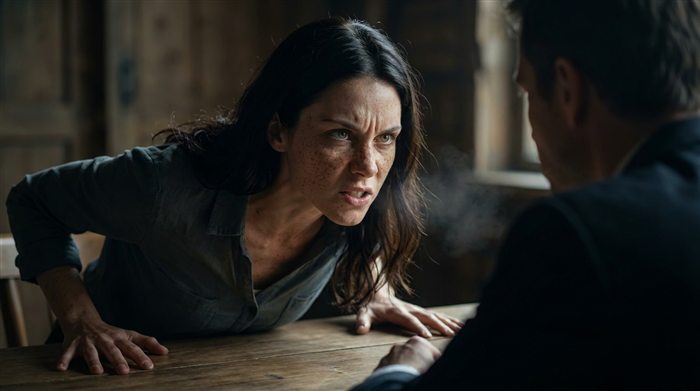
A clash holds attention till it resolves (use with care).
Emotional (drive shares)
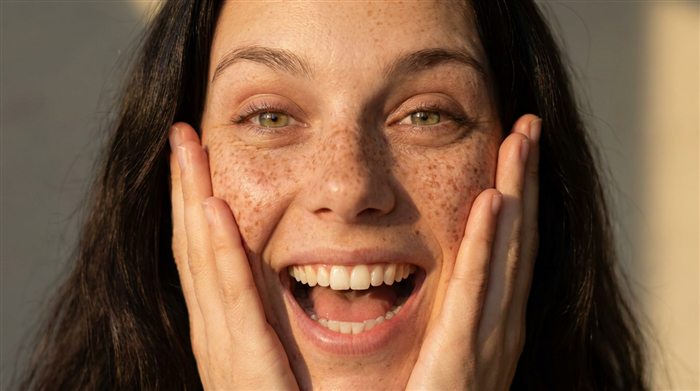
Awe, surprise — high-energy, not quiet sadness.
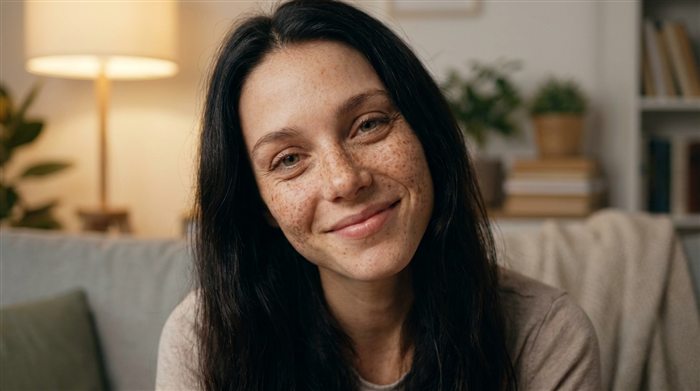
Direct address, relatable life — strongest for an influencer.
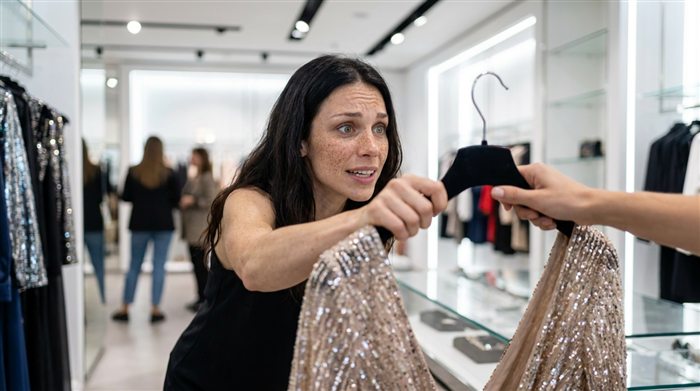
Timer, «last spot» — a direct bridge to the sale.
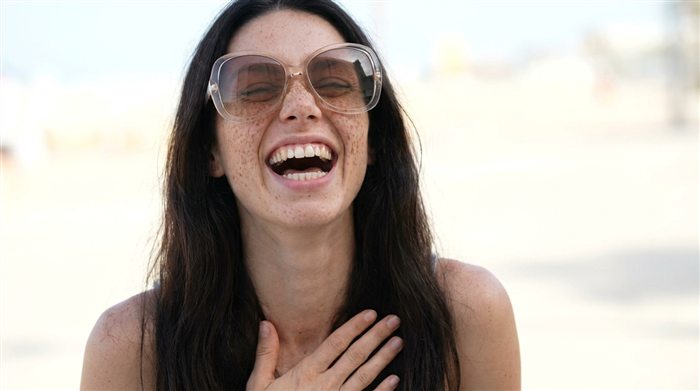
A safe absurd twist drops defenses and maxes shares.
Peeking + fourth-wall break
FreecandidTriggers: voyeurism + attraction. The peak — she notices the camera.
Grand entrance (attraction)
editorialDirect gaze close-up
FreeeditorialStatus (penthouse)
editorialSudden move at the camera
editorialBatch generation (iterator)
Studios like Weavy have a Text Iterator: it splits text by a delimiter and generates many variants at once. Handy for turnarounds and angle series.